

Building a website with Bricks Builder is like constructing a building by adding brick after brick. The core builder helps you build walls, floors, and layouts. But it may fall short when it comes to adding customized doors, decorative lighting, or a modern kitchen.
But no worries! Pairing with the right Addon, you can unlock the full potential of your Bricks Builder. And able to create any stunning and interactive website.

The moment you pair the right Addon with your Bricks Builder
But which Addon would be the best fit for yours? We have tried almost all the options to get the answer. In this article, you will discover all the best Bricks Addons, their key features, and limitations, which will help you choose the right one for your website.
TL;DR:
- Best Free Bricks Addons: Max Addons, Bricksable, and RioVizual.
- Best WooCommerce Bricks Addons: Bricks Ultimate and Jet Engine.
- Best Bricks Addons for Templates: Next Bricks, Bricksable, and RioVizual.
- Best Overall Bricks Addon:Jet Engine and Bricks Ultimate.
Quick Takeaway: Best Addons for Bricks Builder
| Plugin Name | Best for | Free Version | Pricing |
|---|---|---|---|
| Max Addons | A wide range of interactive elements for both general and e-commerce websites, including utility features such as maintenance mode. | ✅ | $59/year |
| Bricks Ultimate | WooCommerce websites, designing product page, checkout flows, customer accounts, Popup builder, Form styler. | ❌ | $129/year |
| Jet Engine | Creating dynamic websites, such as directories and listing pages. Showcase product information from WooCommerce, build profiles for membership sites, and manage events with a calendar. | ❌ | $43/year |
| Bricksable | Interactive elements, such as text decoration and floating elements, as well as Free Bricks templates, enhance the design workflow. | ✅ | NA |
| RioVizual | Displaying data visually in various table formats, including Data Table, Pricing Table, Comparison Table, Pros and Cons, Booking Table, and more. | ✅ | $49/year |
| Piotnet Bricks | Custom element creation, Animation effects, Interactive design elements, and extending the default Bricks form customization functionality. | ❌ | $40/year |
| BricksExtras | Advanced form creation, Utility tools for managing websites, and custom admin page design for project handover. | ❌ | $79/year |
| Bricks Forge | Advance form creation, Utility tools for managing websites, and Custom admin page design for project handover. | ❌ | $39/year |
| NextBricks | For building stunning interactive websites, a vast library of interactive elements and templates, Next Ui, and Animator for a modern interface. | ❌ | €99/Lifetime |
| Bricks Ultra | Interactive image elements like image stack, image accordion, and comparison, Advanced table and chart presentation, and add to calendar for event management. | ❌ | $59/year |
1. Max Addons
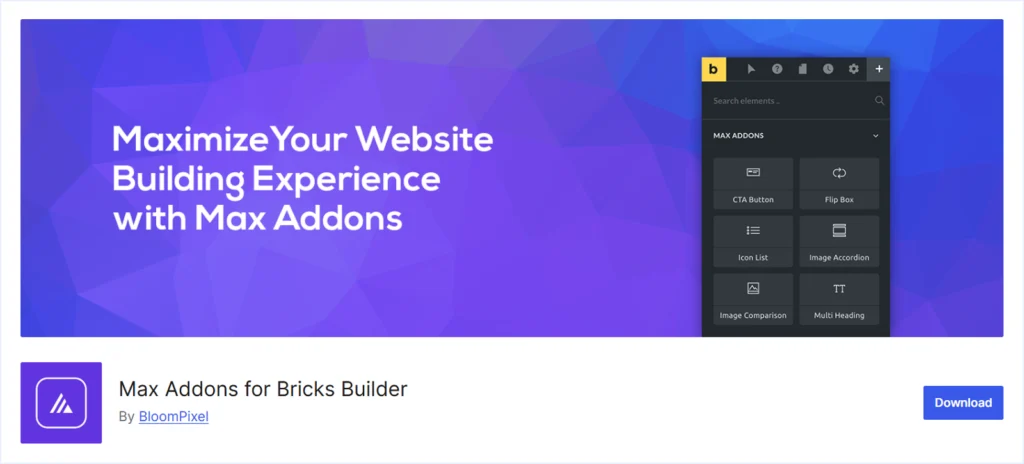
Max Addons is a freemium addon plugin for Bricks Builder that is steadily growing in popularity, due to strong user ratings and community feedback. It offers a wide range of elements, design tools, and WooCommerce features to help users create professional websites more efficiently.
Focusing on the performance, flexibility, and ease of use, Max Addons aims to enhance both the creative and technical sides of building websites with Bricks.
Besides a bunch of essential features, Max Addons has some limitations to consider. We have tested Max Addons on several Bricks websites and staging environments, and we have drawn the following summary.
Key Features:
- 50+ powerful elements to create and customize any Bricks website.
- Interactive elements like Content Ticker, Flip Box, Modal Popup, and Reusable Blocks.
- An advanced table and chart feature to present data.
- WooCommerce tools, including Product Gallery, Checkout Builder, Stock progress bar, and more.
- Utility features like Maintenance Mode for better website management.
- Form styling features for forms created with Contact Form 7, Fluent Form, Gravity Form, and other similar plugins.
What We Like the Most:
- Ability to showcase reviews from Google Business Profile and Yelp.
- Creative elements, such as Lottie, SVG animations, and image hotspots, for enhanced interactivity.
- Modular architecture enables users to turn on/off elements for optimizing site performance.
What could be better:
- The free version of Max Addons only offers 14 basic elements.
- No pre-built templates are available to speed up the design process.
- Absence of theme builder customization options like header and footer.
- No cross-domain copy-paste functionality for project scalability.
- Advanced Mega Menu creation features are absent.
Pricing: A free version of Max Addon is available for initial use. The premium plan starts at $59/year for a single website and increases to $349 for unlimited websites within a lifetime purchase.
2. Bricks Ultimate
Bricks Ultimate is a WooCommerce-focused addon that covers almost all the needs for any e-commerce-focused website. It offers 35 General elements, 32 Woo elements, 28 Query loop providers, and many other dynamic features, which make it an all-in-one choice for e-commerce owners.
Besides all these powerful features, Bricks Ultimate also has some limitations that need to be addressed. We have tested Bricks Ultimate on several Bricks websites and staging environments and have come to the following conclusion.
Key Features:
- General and e-commerce elements to cover the full website needs.
- AJAX Popup Builder for lead capture, announcements, and promotions.
- Mobile-friendly slider menus for improved navigation on smaller devices.
- Built-in form styling for Contact Form 7, WPForms, Fluent Forms, and Gravity Forms.
- Theme utility elements: Back to Top, Breadcrumbs, Reading Progress Bar, and more.
What We Like the Most:
- WooCommerce elements to customize product pages, checkout flows, carts, coupons, and customer accounts.
- Woo product comparison tables to help the audience make decisions faster.
What could be better:
- Some elements overlap with Bricks Builder’s default features.
- No pre-built page or container templates to speed up website building.
- Lacks advanced menu options such as Mega Menu or Circle Menu.
- The theme builder lacks header and footer customization features.
- No cross-domain copy-paste functionality for scaling projects.
Pricing: BricksUltimate doesn’t offer a free version. Premium plans start at $129/year for a single website and go up to $699 for unlimited websites within the lifetime plan.
3. Jet Engine
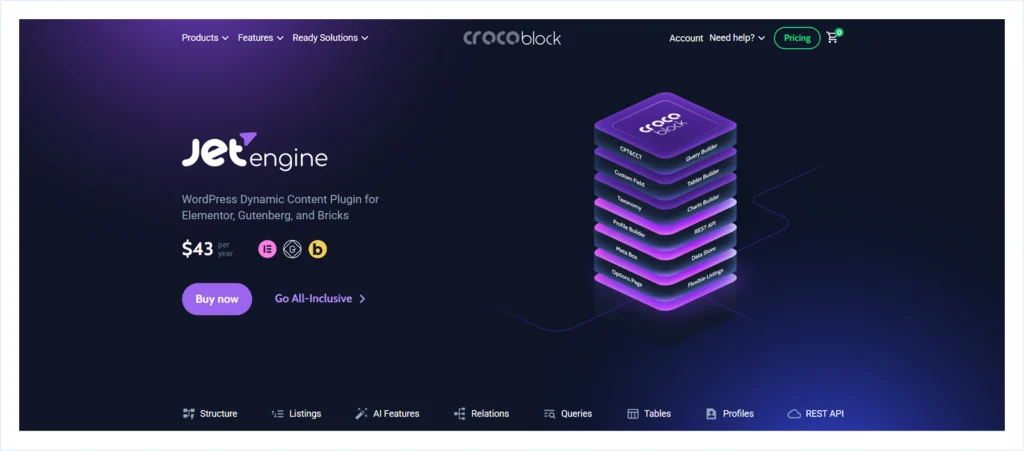
Jet Engine is a premium Addon designed to significantly extend the functionality of Bricks Builder, particularly for creating dynamic and complex websites. It provides tools for working with custom post types, dynamic content, and advanced queries, allowing users to build feature-rich and flexible sites without coding.
Jet Engine also supports reusable components, dynamic data display, and content management features that enhance Bricks Builder’s core capabilities. Optimized for performance, Jet Engine integrates seamlessly with popular WordPress Plugins, such as WooCommerce, Elementor, and Gutenberg.
Besides all these valuable features, Jet Engine also has some limitations to consider. We have tested Jet Engine on several Bricks websites and staging environments and came up with the following conclusion.
Key Features:
- Features like CPT, CCT, and Query Builder are ideal for blogs, custom archives, directories, and listing pages.
- Profile Builder features with custom access for membership sites.
- Event management support with the Dynamic Calendar.
- WooCommerce integration with showcase product and service information.
- Profile builder features with custom access for membership sites.
What We Like the Most
- Works seamlessly with Bricks, Elementor, Gutenberg, and WooCommerce.
- Advanced customization options for both general and e-commerce websites.
- A strong developer-friendly approach that is still suitable for non-coders.
- Advanced data visualization features with data tables and charts.
- Modular Architecture enables the use of necessary features to keep the site fast.
What could be better:
- It would require a learning curve for beginners who are new to dynamic content.
- Absence of displaying social feed features.
- Lacking cross-domain copy and paste functionality for project scalability.
Pricing: There is no free version of the Jet Engine available. The premium plan starts at $43/ year for a single website. It goes up to $199 for an unlimited website within early subscriptions.
4. Bricksable
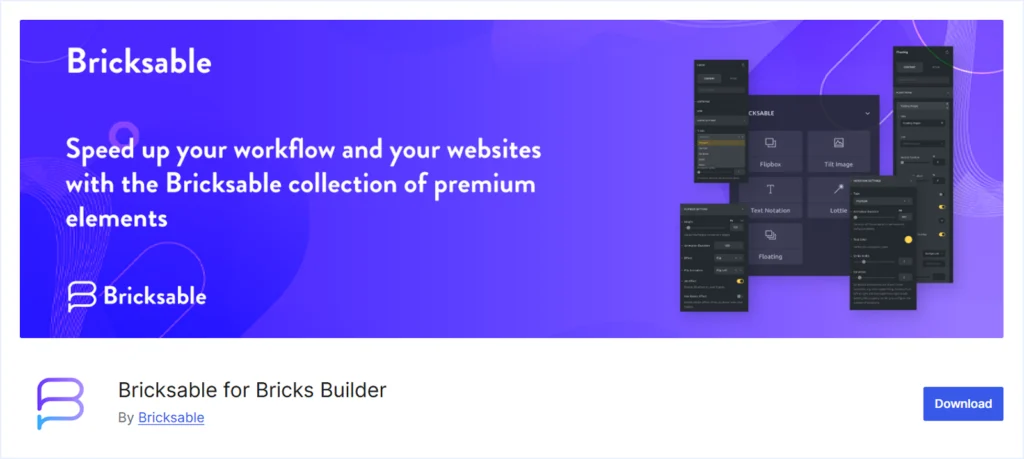
Bricksable is a free Addon plugin for Bricks Builder designed to enhance the capabilities of any Bricks website with visually appealing elements and interactive features. Designed with performance in mind, Bricksable keeps things lightweight while offering a smooth integration within the builder.
Besides many valuable features, Bricksable has some limitations to consider. We have tested this free plugin on several of our Bricks websites and staging environments, and have compiled the following summary.
Key Features:
- 20+ stylish and advanced components, including Flip Box (3D effect), Floating Elements, Card, Scrolling Image, Lottie animations, Text Notion, and more.
- Content and utility elements like Read More, Title Image, Icon List, Multi Heading, Content Toggle, Star Ratings, and Back to Top.
- Embedding Google Map and Twitter (X) timeline.
- Modular architecture to turn on / off elements for performance optimization.
What We Like the Most:
- Advanced text decoration features with Text Notion.
- Free Bricks templates via Remote Templates for quick website setup.
- The premium offering in their free version is comparable to other Addons.
What could be better:
- No WooCommerce-featured elements, less suitable for e-commerce-only websites.
- Lack of Pop-up creation functionality.
- No Advanced mega menu creation features.
- Absence of data visualization features like tables and charts.
- No Cross-Domain Copy-Paste functionality to support project scalability.
Pricing: The Bricksable Addon remains available for free on WordPress.org. Bricksable Pro is in development, but pricing and a release date have yet to be announced.
5. RioVizual
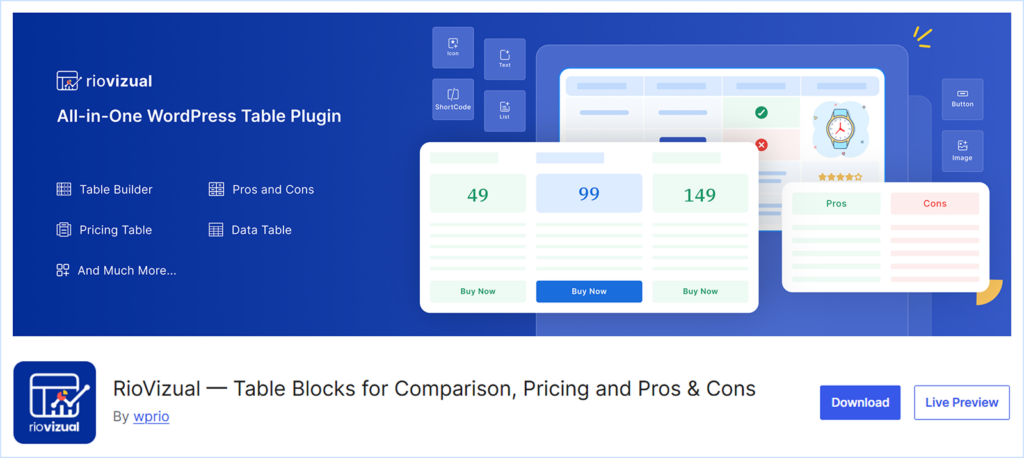
RioVizual is a next-generation table plugin for WordPress that offers a dedicated Element to insert tables into any Bricks website. It unlocks a range of table creation features for Bricks Builder, including Data Table, Pricing Table, Pros and Cons, Comparison Table, Schedule Table, Booking Table, and more.
RioVizual utilizes the WordPress default editor to create tables, offering a lightweight and fast-rendering solution. It features a central table creation and management system, which provides scalability for bulk table creation.
Packed with all the necessary elements, such as text, media, shortcodes, star ratings, icons, buttons, prices, features, and more, RioVizual allows you to present any data effectively.
Besides all these features, RioVizual lacks the features to become an all-in-one Addon for Bricks Builder. We have tested RioVizual on several Bricks websites and staging environments, and have come to the following conclusion.
Key Feature:
- Supported Table Layouts: Data Table, Comparison Table, Pricing Table, Pros and Cons
- Drag-and-drop interface for easy customization (Beginner-friendly and powerful)
- Right Click functionality for faster editing
- Supports 19+ elements for effective data presentation
- The central table creation and management system for scalability
What We Like the Most:
- A vast library of 70+ pre-designed templates with one-click Import
- Seamless integration with the Bricks builder with a dedicated element
- Built-in schema markup to enhance search engine visibility
- Use the default WordPress for table creation, making it a lightweight solution
- Powerful free version to create any functional table
What could be Better:
- Can’t serve the broader website needs except creating tables
Pricing: RioVizual offers a powerful free version for initial use. The premium plan starts at $49/year for a single website and goes up to $49/year for unlimited websites. It also has lifetime pricing plans.
6. Piotnet Bricks
PiotnetBricks is a growing Add-on plugin that extends Bricks Builder’s capabilities for building advanced layouts, interactive elements, and dynamic forms while keeping customization simple and beginner-friendly. It also provides the functionalities to create custom Bricks Elements with minimal coding knowledge based on website needs.
Besides all these valuable features, PiotnetBricks also has some limitations to address. We have tested PiotnetBricks on several Bricks websites and staging environments and came up with the following conclusion.
Key Features:
- Features to create custom Bricks Elements with minimal coding knowledge.
- Creative animation options such as Scroll Animation and Crossfade Background image.
- Instagram feed integration to display content from your account automatically.
- Interactive design elements, including Flex Slider, 3D Flip Cards, Advanced Tabs, and more.
What We Like the Most:
- The Element Creator enables users to build custom elements tailored to their specific needs.
- Extend default Bricks forms with advanced functionalities, making it powerful.
- Button effects, such as Flip Button and Glowing Buttons, along with multiple hover animations, provide quick styling options.
What could be better:
- No WooCommerce-specific elements, limiting e-commerce applications.
- Lacks Pop-up creation features.
- No Pre-built templates to accelerate the design workflow.
- No theme builder customization options, such as header and footer design.
- Limited social media feed integration beyond Instagram.
- Absence of cross-domain copy-paste functionality to support project scalability.
- Lacks advanced mega Menu creation features.
Pricing: PiotnetBricks doesn’t provide any free version. The premium plan starts at $40/year for a single website and increases to $90 for 100 websites, available for a lifetime purchase.
7. BricksExtras
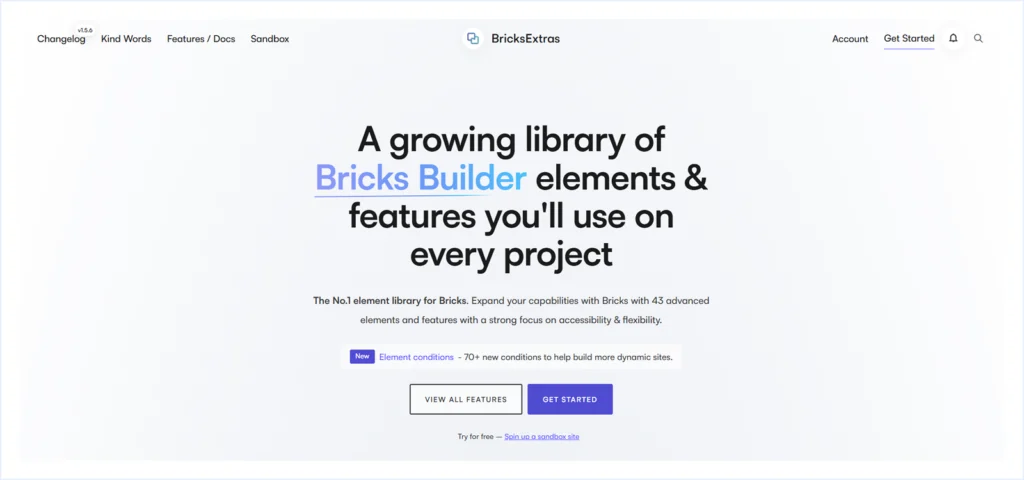
BricksExtras offers a growing library of 41 advanced elements and features to power any Bricks website. It covers a wide range of functionalities, including theme building, interactive elements, element effects, dynamic conditions, form styling, and Query loop extras, making it a versatile tool for web design and development using Bricks.
While BricksExtras offers many benefits, there are some limitations to consider. After testing this addon on several of our Bricks websites and staging environments, we have come up with the following summary:
Key Features:
- Theme building elements: Back to top, Header Search, Table of Contents, and more.
- Interactive elements: Before-After image, Content Switcher, Dynamic Chart and Table, and more.
- Form styling support for Fluent Forms and WS Forms.
- Woocommerce membership and subscription status display.
What We Like the Most:
- Theme building utilities like the Slide Menu, Notification Bar, and Header search.
- Interactive element effects, including Floating Effect, Parallax Scroll, Tooltip, Tilt Hover, and X-Ray Mode.
What could be better:
- Some elements overlap with Bricks Builder’s default features.
- No Popup creation functionality.
- Absence of dedicated WooCommerce elements for e-commerce websites.
- No pre-designed templates to speed up website building.
- Lack of advanced Mega Menu creation.
- The theme builder lacks customization features for headers and footers.
- No cross-domain copy-paste functionality for scaling projects.
Pricing: BricksExtras does not offer any free version. The pricing starts at $79/year for unlimited websites and $197 for a lifetime purchase.
8. BricksForge

BricksForge is a feature-rich Addon to enhance the capabilities of Bricks Builder. It strengthens Bricks’ core functionality by introducing a wide set of advanced tools for building dynamic websites. With its modular architecture, it loads only the features you need, which helps to maintain performance. BricksForge covers everything from Pro Forms and dynamic data handling to GSAP-powered animations, smooth page transitions, parallax effects, backend customization, and even tools like an Email Designer and 3D model integration.
Besides all these powerful features, BricksForge also has some limitations to consider. We have tested BricksForge on several Bricks websites and staging environments, and we have drawn the following conclusion.
Key Features:
- Scroll Video element for immersive storytelling experiences that play as users scroll.
- Before & After and flip all elements to showcase comparisons and interactive layouts.
- Parallax effects, Scroll Smoother, and Page Transitions for smooth motion and improved user experience.
What We Like the Most:
- A comprehensive workflow solution that enhances Bricks Builder beyond its design elements.
- Advanced form creation and managing facilities with Pro Forms.
- Playground facilities to test features practically in staging sites.
- A modular approach enables only the necessary features for better site performance.
- Utility tools like Maintenance Mode and Global Class Backups for better site management.
- Agency-friendly features for client handovers with a custom admin page design and admin access.
What could be better:
- No WooCommerce-specific elements, less suitable for e-commerce-only websites.
- Some tools, such as Bricksforge Terminal and Node Editor, require advanced knowledge to use effectively.
- No pre-built templates available for faster design workflow.
- No cross-domain copy-paste functionality to support project scalability.
- Absence of advanced Mega Menu creation features.
- Lacks header and footer customization features.
Pricing: BricksForge doesn’t provide a free version. The premium plan starts at $39/year for a single website. The lifetime plan costs up to $349 for unlimited websites.
9. Next Bricks
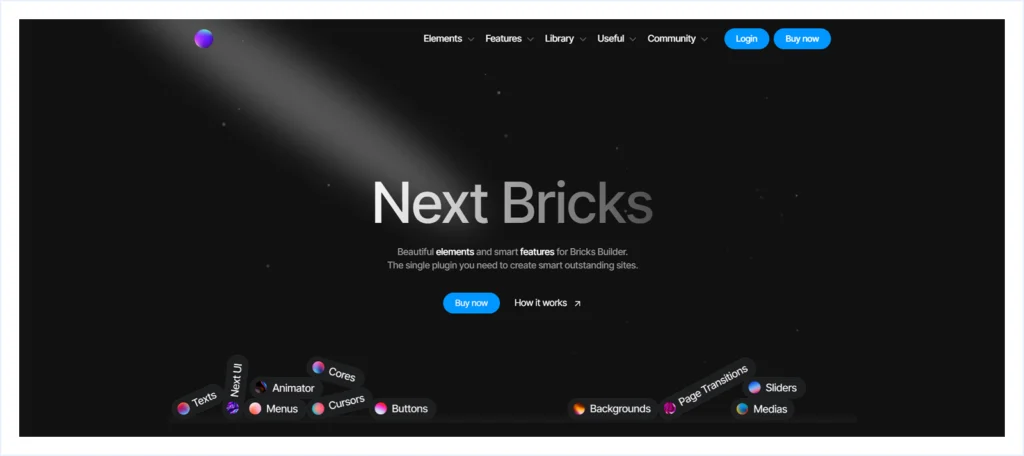
NextBricks, also referred to as Brickscore, is a premium Addon plugin for Bricks Builder designed to provide a wide range of creative elements and functionalities.
It helps users build visually stunning interactive websites while maintaining performance and flexibility. The plugin includes a variety of text, button, media, and navigation elements, along with advanced design tools, templates, and layout options to streamline website development.
Besides all these valuable features, NextBricks also has some limitations to consider. We have tested NextBricks on several Bricks websites and staging environments, and we have drawn the following conclusion.
Key Features:
- Vast element library including Texts, Buttons, Menus, Cores, Media, Cursors, Sliders, Background, and more.
- Next UI & Animator for modern interface with smart controls and a timeline-based animation system for smooth, custom effects.
- Comprehensive core functionalities such as Site Loader, Cookies, Smooth Scroll, Progress bar, Timeline, and more.
What We Like the Most:
- A vast library of pre-built website templates and components like header, footer, hero section, banner, 404, and more, with easy copy-paste functionality.
- Powerful animation capabilities are available for almost all the elements and features it offers.
- Advance Menu creation features to create Mega Menu, Circular Menu, Stripe menu, and more.
- Modular architecture to manage elements to optimize website speed.
- Offering a playground to experience the product’s functionality and features firsthand.
What could be better:
- No dedicated WooCommerce elements to facilitate e-commerce-only websites.
- Absence of data visualization features like Table and Chart.
- Not having any Cross-Domain Copy-Paste functionality to support scalability.
Pricing: Next Bricks doesn’t offer a free version. The premium plan of Next Bricks starts at €99 and goes up to €219 for an unlimited website within a lifetime subscription.
10. Bricks Ultra
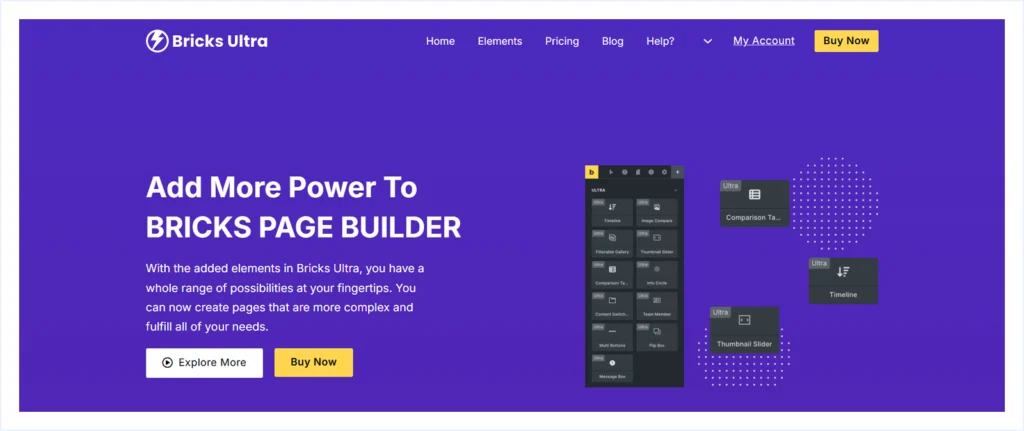
Bricks Ultra is a premium addon plugin for Bricks Builder, offering 33 elements designed to expand the builder’s capabilities and enable users to create more advanced and customized pages.
All elements support advanced customization options, enabling users to create visually engaging websites. Bricks Ultra also offers a modular architecture, which allows you to turn on and off elements based on your needs to optimize site performance.
Besides all these useful features, BricksUltra also has some limitations to consider. We have tested BricksUltra on several Bricks websites and staging environments and came up with the following conclusions.
Key Features:
- Wide range of elements including Image Stack, Button, Call to action, Lottie, and more.
- Event management support with an “Add to Calendar” feature that integrates with multiple calendars.
- Media-focused features include Image Accordion, Image Comparison, and Image Hotspot.
- Data presentation tools include charts, Radial Charts, and Comparison Tables.
What We Like the Most
- Modular Architecture allows users to turn on/off functionality to optimize website speed.
- Social integration, including Instagram and Twitter(X) feeds.
- Interactive elements like Message Boxes, Testimonial Sliders, and Filterable Galleries.
What could be better:
- No WooCommerce-specific elements make it less suitable for e-commerce websites.
- Missing advanced menu creation features like (mega menu, circle menu, and more)
- Absence of pre-built templates to speed up design workflows.
- No Cross-Domain copy-paste functionality to support scalability.
- Limited social media feed integration beyond Twitter(X) and Instagram.
Pricing: Bricks Ultra doesn’t provide a free version. The premium plan starts at $59/year for a single website. It can go up to $349 for unlimited websites in a lifetime purchase.
Our Methodology: How We Chose the best bricks builder addons
Selecting the right Bricks Builder Addons can be overwhelming, especially with so many options available and promising advanced features. To help you choose the right Bricks Addon for your site, we have gone through the following process to evaluate these addons.
- Addon Selection: We have handpicked the best value Bricks Addons from among the many options available at a lower value.
- Hands-on Testing: We installed Bricks Theme and these addons to our staging sites to evaluate how they work and if the offering they claimed is accurate.
- Features and Use Cases: We looked beyond the feature list and focused on how these Addons solve real website-building problems, such as building dynamic sites, improving workflow, and adding missing functionality.
- E-commerce Support: We focused on e-commerce websites that require additional features beyond a regular website and evaluated whether these plugins can meet all the requirements by integrating with WooCommerce.
- Compatibility and Updates: We prioritized addons that work seamlessly with the latest versions of Bricks, WordPress, and WooCommerce, and receive regular updates.
- Performance Impact: Addons designed with a Modular Architecture offer on/off functionality, helping to optimize website speed and performance, which is one of our concerns when choosing and reviewing these plugins.
- Community & Support: Active user communities, clear and helpful documentation, and a dedicated support team to serve users were key considerations when selecting these Addons.
- User Feedback: We evaluate real users’ feedback on what they are saying about these Addons (good, bad, and ugly). And try to understand their pain points and satisfactions while we tasted these plugins firsthand.
- Value for Money: We evaluate if these Addons offer a free version for initial use. Or offering a playground to experience it firsthand. And if these Addons are the value for money when upgrading to premium plans.
- Write Honest Feedback: We have maintained a neutral stance while compiling this information based on our findings. This approach helps us to avoid biases towards any particular Bricks Addons.
FAQ:
Conclusion
Bricks Builder already gives you a solid foundation. The right addon fills the gaps based on what you are building. Whether it is a WooCommerce store, a dynamic content hub, template-driven pages, or data-focused layouts, choosing the right addon is important to meet your goals.
If you want a flexible set of elements, Max Addons and Bricksable are great starting points. For WooCommerce stores and dynamic websites, Bricks Ultimate and Jet Engine are stronger choices. And if your site needs clear, structured data presentation, RioVizual helps you build data tables, pricing tables, comparison tables, and pros and cons tables seamlessly inside Bricks.
Explore the addons mentioned above and test them on a staging site. Pick the ones that match your workflow and help you build faster, cleaner, and more maintainable Bricks websites.

Leave a comment